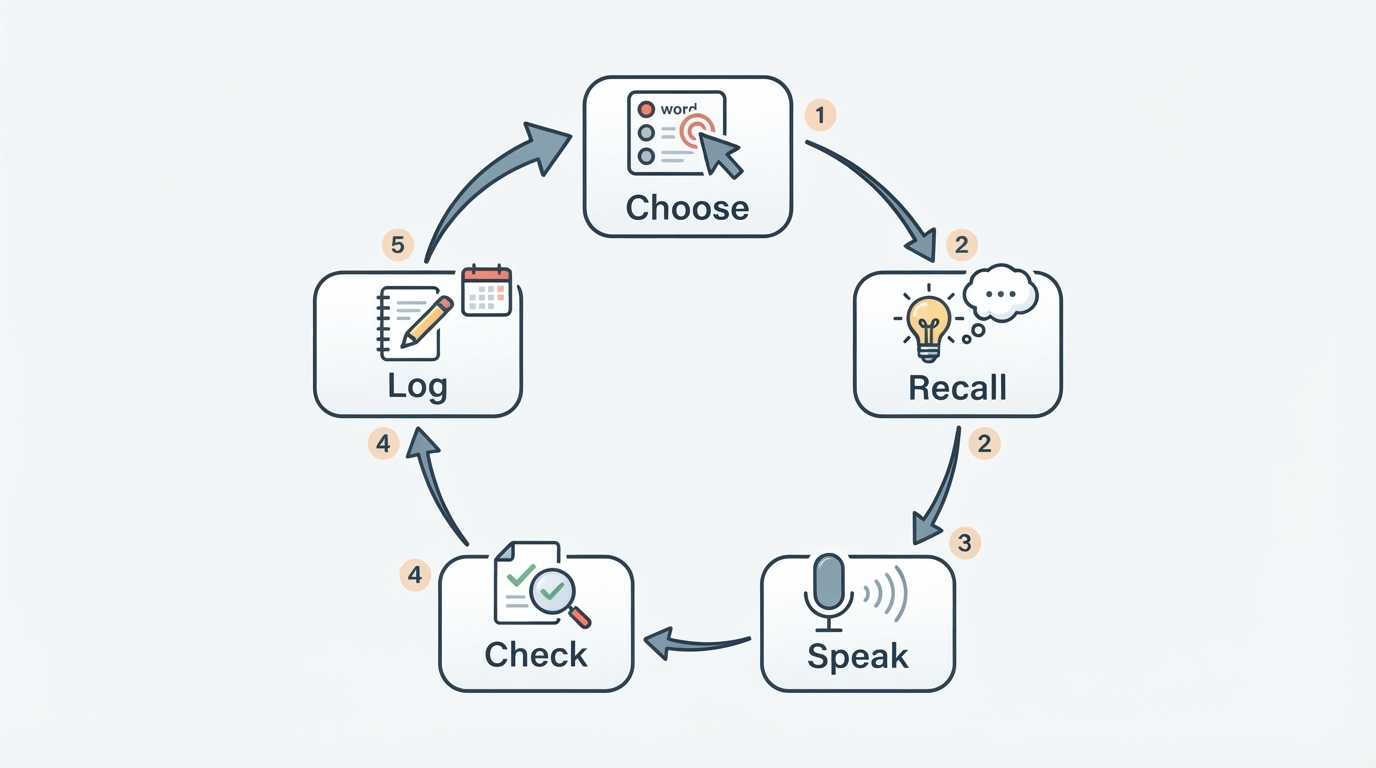
What AI actually changes in a language app
Almost every app in this category now wears an AI label, and the label hides very different designs. What matters is where the technology sits in your learning loop. Four roles are worth separating:
- A planner that decides what you see next.
- A tutor that explains a rule, word, or sentence in context.
- A listener that scores what you say out loud.
- A generator that creates practice you did not plan.
Apps differ in how many of those roles they fill well. Two products can both say "AI-powered" while one adapts your path every day and the other simply checks multiple-choice answers. Ask what the AI does for you before you compare anything else.
The five criteria that matter most
Five questions decide most of the outcome, and each one can be answered with a week of ordinary use.
1. A daily routine you can actually keep
Starting is easy; returning on a busy Tuesday is the hard part. Look for sessions short enough to fit a work break and structured enough that stopping midway does not erase your place. A few focused minutes that touch listening, speaking, reading, and writing do more than a long plan you never open. The test is simple: after a session, was the next one obvious, or did you have to decide what to study again?

2. Progression you can measure
Progression is the difference between wandering and moving toward a goal. The Common European Framework of Reference (CEFR) is a useful yardstick because it describes six levels — A1 for beginners through C2 for proficient users — so you can compare a course path against a standard instead of marketing language. Look for a sequence aligned to a framework like that, covering more than one skill, and adapting as you advance. If you cannot name the level you are working toward, the app is not showing you a path.
3. Explanations you can get on demand
Every learner eventually meets a sentence that does not make sense yet. The question is whether you can ask why, immediately, and get an answer in plain language. A good explanation connects the rule to the sentence in front of you and tells you when the pattern does not apply. If you have to leave the lesson, open a search engine, and interpret a forum thread, the learning loop is broken.
4. Speaking and pronunciation feedback
Reading and tapping answers can feel like progress without building the confidence to speak. Speech recognition now makes it practical for an app to score what you say, show which sounds drifted, and let you try again in private. Check whether speaking practice sits inside the lesson flow or behind a separate recording screen: the closer it is to your normal routine, the more often it will actually happen.
5. Free value you can verify
"Free" can mean ad-supported, capped, or genuinely usable, and the only way to know is to test the features you need. Write down three must-haves — for example structured lessons, on-demand explanations, and speaking practice — then confirm each one inside the free experience before you consider paying. If the free tier cannot carry your routine for the first few weeks, treat the paid tier as the real price and decide from there.
A checklist you can apply to any app
Turn the criteria into questions you can answer with evidence rather than impressions.
Criterion | What a strong app shows you | How to verify it in the free tier |
|---|---|---|
Daily routine | Sessions that fit a spare few minutes and resume cleanly | Complete two sessions on consecutive days and note whether you had to plan them |
Progression | A visible level path tied to a recognized standard | Find your current level and the next one before you begin |
Explanations | On-demand answers about grammar and word choice | Ask about a sentence from a lesson and judge whether the answer fits |
Speaking | Feedback on what you said, not just multiple choice | Record one sentence and check that the feedback names something to fix |
Free value | The features you actually need are inside the free experience | List three must-haves and confirm each one before paying |
How to compare an app you already know
If Duolingo is the app you already know, treat it as a reference point rather than a default: run it through the same checklist and see which of the five criteria its free experience satisfies for you. Comparing an unfamiliar app against one you have used is usually faster than reading feature pages, because you already know how you behave inside a product — where you get bored, what you skip, and what you return for.
How to test an app in your first week
Give the app one honest week and collect evidence instead of impressions.
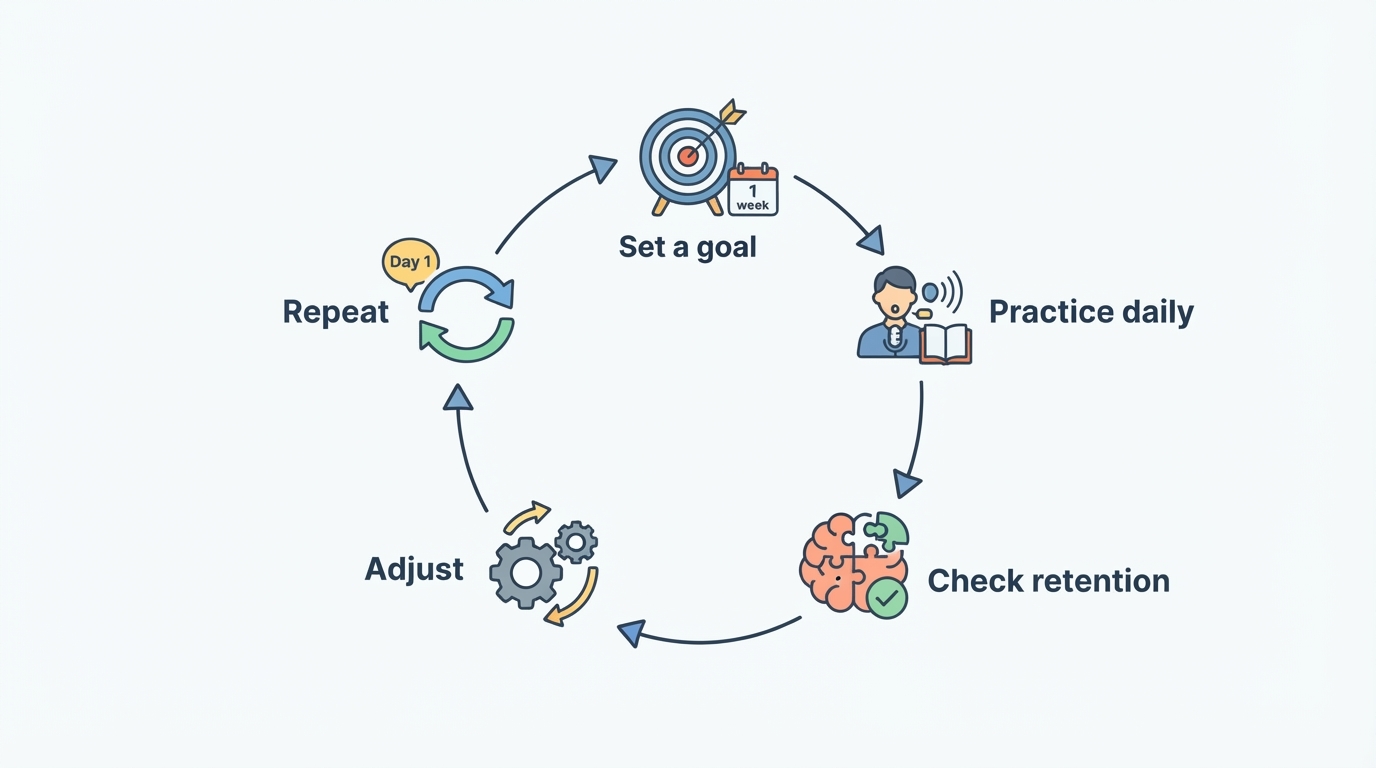
- Day 1: complete the placement or goal step, and write down the level you are starting from.
- Days 2 and 3: finish one short session each day and note whether the next lesson was obvious.
- Day 4: ask the app one real question about a sentence you did not understand.
- Day 5: record one spoken sentence and check whether the feedback names something concrete.
- Days 6 and 7: review what you retained, then list any feature you would need to pay to unlock.
By the end of the week you should be able to name one thing you learned, one thing the app explained well, and one limit you hit in the free tier. If you cannot name all three, keep testing other options before you subscribe.
Where MANA Learn fits these criteria
This guide is published by the team behind MANA Learn, so the product reference below is a disclosed affiliation rather than an independent review.
MANA Learn presents itself as a free AI-powered language learning app built around structured courses. According to its own product description, the course path is aligned to the Common European Framework of Reference from A1 (beginner) to C2 (proficient), covering listening, speaking, reading, and writing rather than a single skill, across several language pairs. The same description says lesson sequencing adapts as you move through the levels, which is the kind of progression the checklist above asks you to look for. If a short, repeatable study habit is your goal, start there: choose your level, run a few minutes a day for a week, and check whether the free experience covers the features that matter most to you.
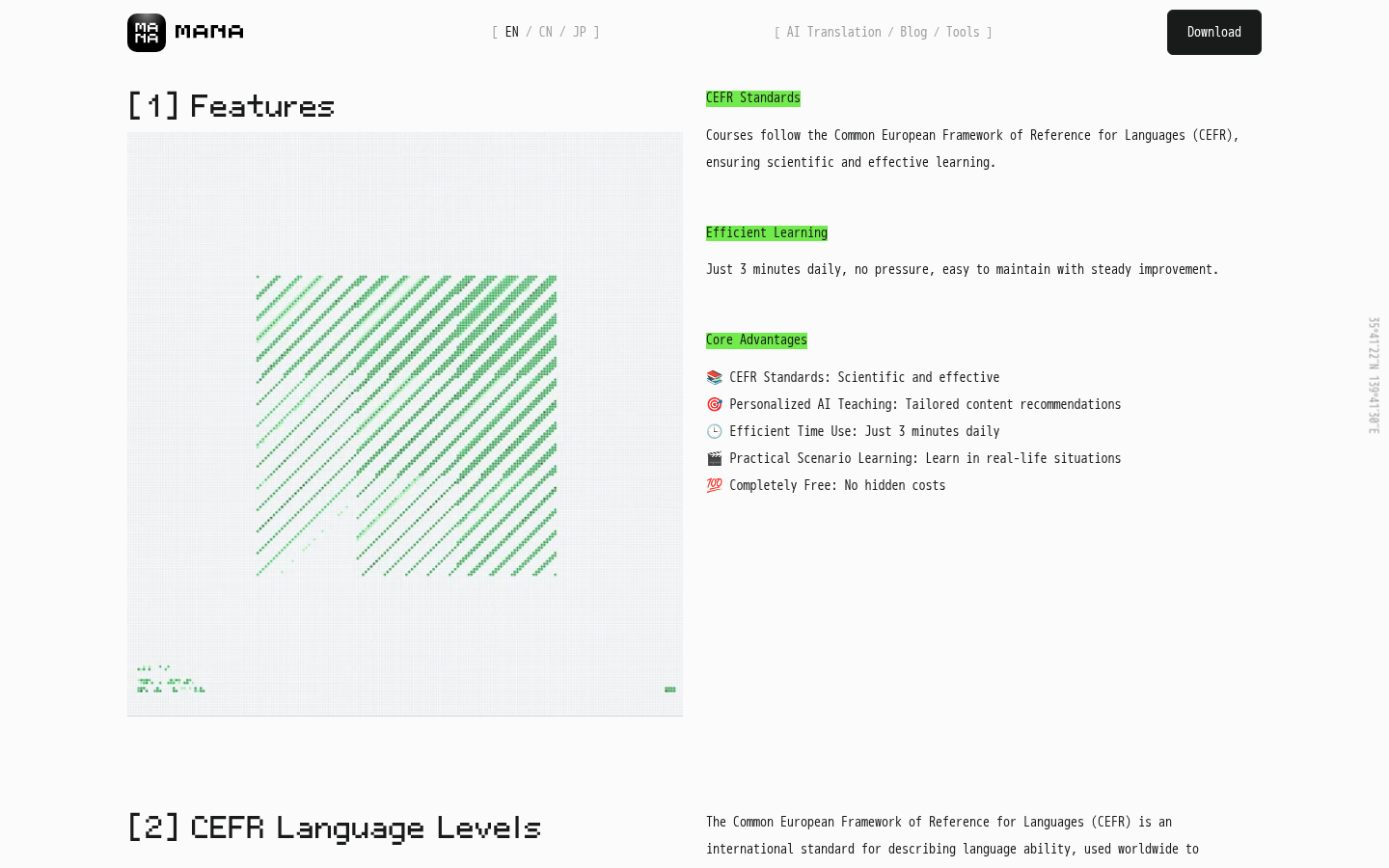
Felo product screenshot.
FAQ
Are AI language learning apps worth paying for?
Only after the free experience has carried your routine and you can name the specific limit you are paying to remove. If no limit comes to mind, keep using the free tier and test again in a month.
Can AI replace a human tutor?
For daily practice, explanations, and pronunciation drills, an app can cover a lot of ground. For accountability and live conversation at speed, a tutor still adds what a checklist cannot measure. Many learners combine both.
How long before I can tell whether an app works?
One week of honest sessions is usually enough to see whether the routine sticks and whether explanations and speaking feedback help you. Real fluency takes much longer, which is why you should judge the system first and the results second.
Do free tiers include speaking practice?
Sometimes. Use the checklist: find the speaking feature, record one sentence, and check whether you receive specific feedback on your pronunciation. If the feedback stays locked, treat speaking as a paid feature when you compare options.
Takeaway
The five criteria — a daily routine, measurable progression, on-demand explanations, speaking feedback, and verifiable free value — turn a crowded category into a testable decision. Choose the app that survives your week, not the one with the loudest AI claim.